
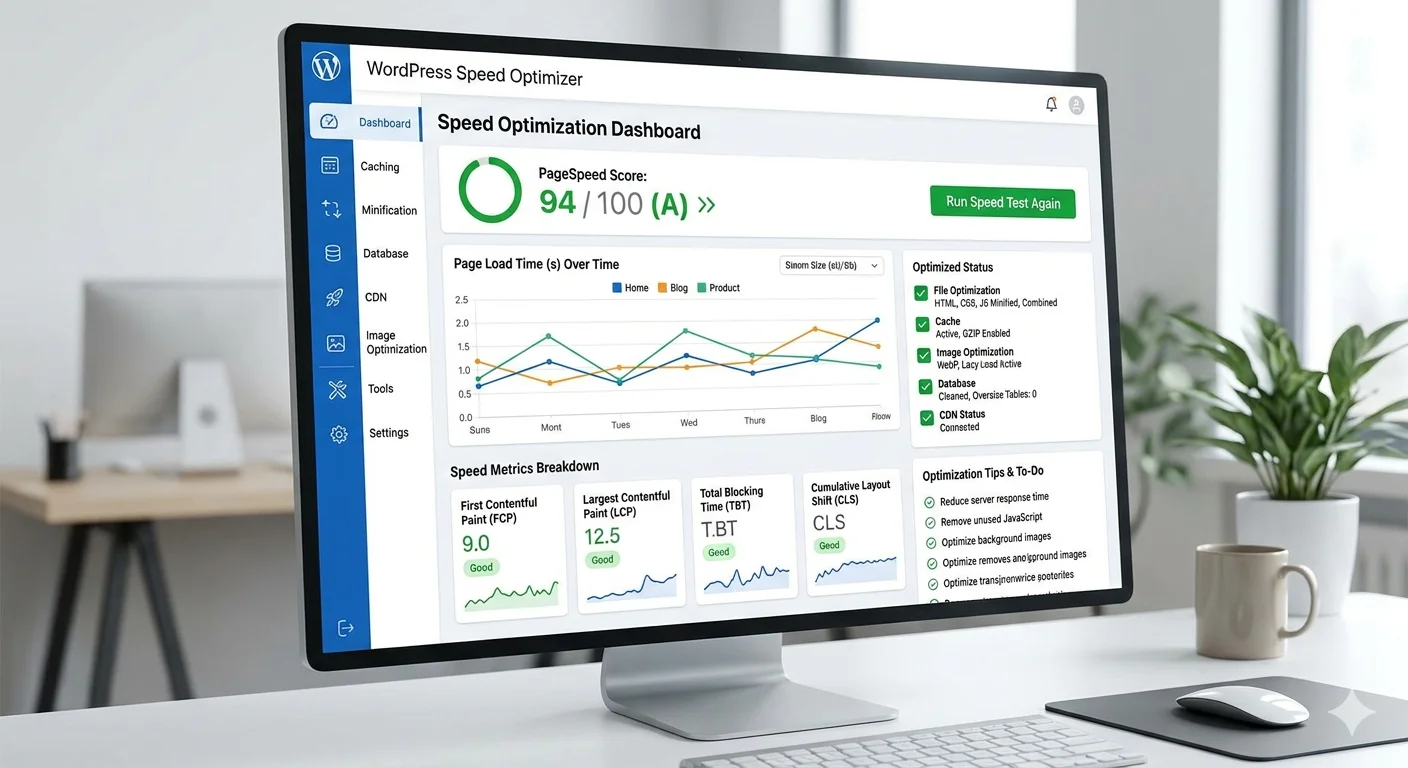

If you’re wondering how to speed up WordPress site fastest, you’re not alone. Site speed directly affects SEO rankings, user experience, and conversions.
A slow WordPress site can cost you traffic and revenue. The good news? You can fix it quickly with the right approach.
In this guide, you’ll learn practical, proven steps to make your WordPress website lightning fast.
Table of Contents
Why Speed Matters for WordPress
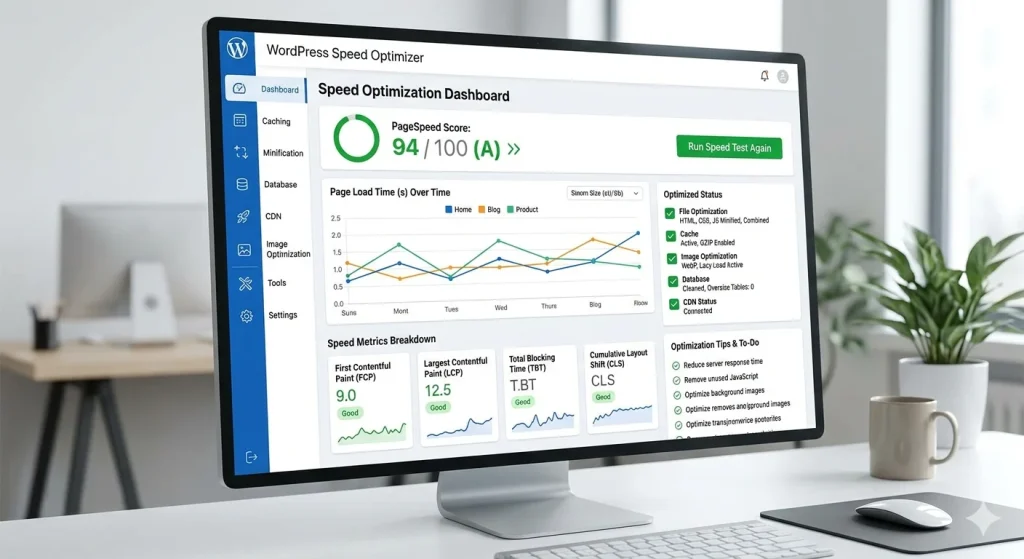
Before diving into how to speed up a WordPress site fastest, it’s important to understand why speed matters.
- Faster sites rank higher on Google
- Users leave slow sites quickly
- Speed improves conversions and engagement
According to Google, page speed is a ranking factor. You can test your site using:
👉 https://developers.google.com/speed/pagespeed/insights/
1. Choose a Fast Hosting Provider
Your hosting is the foundation of your website speed.
What to look for:
- SSD storage
- LiteSpeed or NGINX servers
- Built-in caching
- CDN support
Cheap hosting often leads to slow performance. Upgrade if needed.
2. Use a Lightweight Theme
Heavy themes slow down your site.
Best practices:
- Use minimal themes
- Avoid bloated multipurpose themes
- Choose speed-optimized themes
A clean design improves both speed and user experience.
3. Install a Caching Plugin
Caching is one of the fastest ways to improve performance.
Popular options:
- WP Rocket
- W3 Total Cache
- LiteSpeed Cache
Caching stores static versions of your site, reducing load time.
This is essential if you want to master how to speed up WordPress site fastest.
4. Optimize Images
Large images are a major cause of slow websites.
Fix it by:
- Compressing images
- Using WebP format
- Lazy loading images
Tools you can use:
- TinyPNG
- ShortPixel
5. Use a Content Delivery Network (CDN)
A CDN stores your site on multiple servers worldwide.
Benefits:
- Faster loading globally
- Reduced server load
- Better uptime
Popular CDNs include Cloudflare and BunnyCDN.
6. Minify CSS, JavaScript, and HTML
Minification removes unnecessary code.
What it does:
- Reduces file size
- Improves load speed
You can do this using caching plugins or tools like:
👉 https://developer.mozilla.org/
7. Reduce Plugins
Too many plugins slow down your site.
Best practices:
- Remove unused plugins
- Avoid duplicate functionality
- Use lightweight plugins
Quality matters more than quantity.
8. Enable GZIP Compression
Compression reduces file sizes sent to browsers.
Result:
- Faster loading pages
- Less bandwidth usage
Most hosting providers support this by default.
9. Optimize Your Database
Over time, your database gets cluttered.
Clean it by:
- Removing post revisions
- Deleting spam comments
- Clearing unused data
Plugins like WP-Optimize can help.
10. Use AI Tools for Optimization
AI is changing how we approach website performance.
AI can help:
- Automatically optimize images
- Detect performance issues
- Suggest improvements
Modern website design increasingly integrates AI for speed and efficiency.
Pro Tips
- Use lazy loading for images and videos
- Limit external scripts (ads, fonts)
- Use system fonts instead of Google Fonts
- Preload important resources
Common Mistakes to Avoid
- Using too many plugins
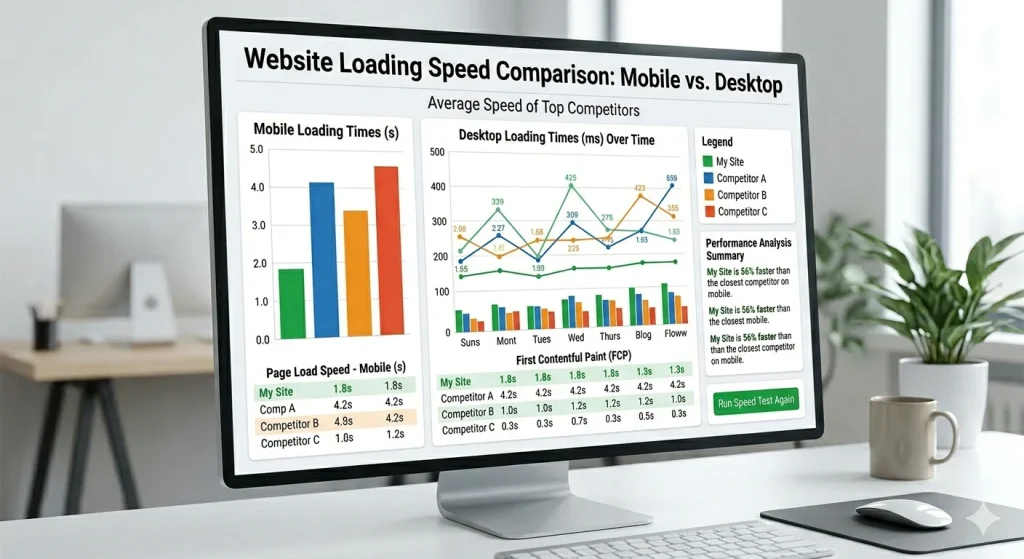
- Ignoring mobile performance
- Not testing site speed regularly
- Choosing cheap hosting
- Uploading uncompressed images
Avoid these if you truly want to master how to speed up WordPress site fastest.
Tools & Resources
Here are essential tools:
- Google PageSpeed Insights
- GTmetrix
- Pingdom Tools
- WP Rocket
- Cloudflare CDN
FAQ
How can I speed up my WordPress site quickly?
Use caching, optimize images, reduce plugins, and enable a CDN. These are the fastest methods.
Does hosting affect WordPress speed?
Yes. Hosting plays a major role in performance. A slow server = slow site.
What is the best plugin to speed up WordPress?
WP Rocket and LiteSpeed Cache are among the best options.
Can AI improve website speed?
Yes. AI tools can automate optimization and improve performance efficiently.
Conclusion
- Now you understand how to speed up WordPress site fastest using proven techniques.
- From caching to AI tools, each step plays a role in boosting performance.
Start with the basics, then optimize further for maximum results.
- Faster websites rank better, convert better, and grow faster.
Take action today and transform your WordPress site speed.