


Table of Contents
Introduction
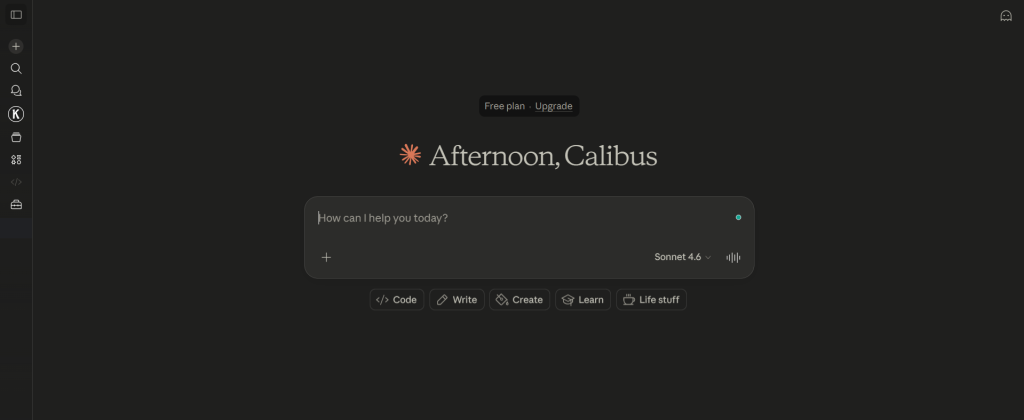
Claude AI is quickly becoming one of the most powerful tools for modern developers. If you want to write cleaner code, debug faster, and build projects with less stress, this Claude AI guide will show you how.
Many developers in Nigeria and beyond struggle with time-consuming coding tasks. Writing boilerplate code, fixing bugs, and understanding complex logic can slow down progress. That is where Claude AI comes in.
In this article, you will learn how to use Claude AI for coding, explore real workflows, and discover practical tips that improve productivity. Whether you are building websites, APIs, or automation scripts, this guide will help you work smarter.
What is Claude AI and How It Works
Claude AI is an advanced AI assistant designed to understand natural language and generate high-quality responses, including code.
Key Features of Claude AI
- Code generation across languages
- Debugging support
- Documentation writing
- Logical reasoning for complex problems
Unlike traditional tools, Claude AI focuses on deep understanding, not just autocomplete.
Claude AI for Coding: Core Use Cases
Using Claude AI for coding can transform your workflow.
1. Writing Code Faster
Claude AI helps generate clean code for:
- HTML, CSS, JavaScript
- Python scripts
- Backend APIs
2. Debugging Errors
Paste your error message, and Claude explains the issue clearly.
3. Code Refactoring
Improve performance and readability with AI suggestions.
4. Learning New Technologies
Claude explains frameworks in simple terms.
Claude AI Guide: 10 Powerful Coding Tips

This Claude AI guide includes practical strategies every developer should use:
1. Be Specific with Prompts
Clear instructions produce better results.
2. Break Problems into Steps
Avoid asking for large tasks at once.
3. Use Claude for Debugging
Paste errors and request step-by-step fixes.
4. Generate Documentation
Save time by auto-generating docs.
5. Optimize Code Performance
Ask Claude to improve efficiency.
6. Use for API Integration
Claude simplifies API usage.
7. Learn Faster
Get instant explanations.
8. Combine with GitHub
Use Claude alongside version control tools.
9. Test Code Automatically
Generate test cases.
10. Build Projects Faster
Use AI to accelerate development.
Claude AI vs Other AI Coding Tools
Compared to GitHub Copilot:
Advantages of Claude AI
- Better explanations
- Strong reasoning
- Conversational interaction
Limitations
- Requires structured prompts
- Not deeply embedded in IDEs
Pro Tips for Using Claude AI
- Always review generated code
- Use step-by-step prompts
- Combine AI with manual testing
- Keep improving your prompt skills
Common Mistakes to Avoid
- Copying code without understanding
- Using vague prompts
- Skipping testing
- Over-relying on AI
Tools & Resources
These tools improve your workflow when using Claude AI.
Frequently Asked Questions (FAQ)
What is Claude AI used for?
Claude AI is used for coding, writing, and problem-solving. Developers use it to generate code, debug errors, and learn new technologies faster.
Is Claude AI good for developers?
Yes. Claude AI helps developers write clean code, understand logic, and improve productivity across projects.
How does Claude AI compare to other tools?
Claude AI focuses on reasoning and explanation, making it better for learning and debugging compared to autocomplete tools.
Can Claude AI replace programmers?
No. Claude AI supports developers but cannot replace human creativity and decision-making.
Conclusion
This Claude AI guide shows how powerful AI has become for developers. By using Claude AI effectively, you can save time, reduce errors, and build better projects.
Key Takeaways:
- Claude AI improves coding speed
- It helps with debugging and learning
- It works best with clear prompts
Want more AI guides? Explore more tutorials on Bloog.ng and start improving your workflow today.